
LATEST COMMENTARY
FIVE THINGS TO KNOW
MCT READER PULSE · MCT-PULSE-2026-017
MCT READER SURVEY
Gaano ka nagtitiwala na tama ang ginagawa ng Kongreso sa budget ng bayan?
This is an informal survey of people who choose to participate. It is not a scientific or nationally representative sample.
ABOUT REPLACING A LOST DRIVER’S LICENSE
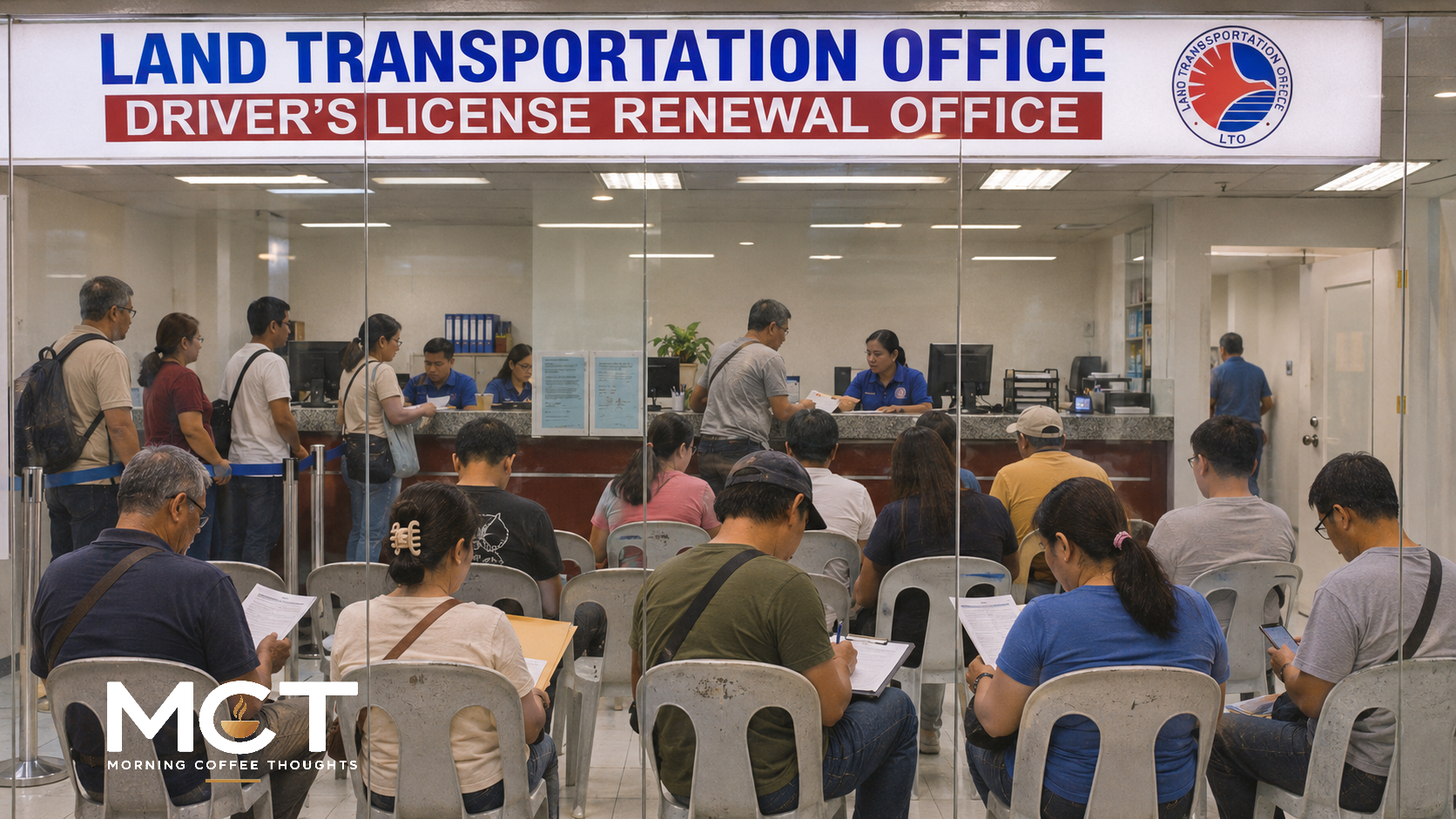
You check your wallet and the card is gone. If your Philippine driver’s license is still valid, you can ask the Land Transportation Office for a duplicate. Before you go, there are two things worth checking: whether you can show the official digital license now, and whether your LTO branch can process the replacement.
1
OPEN THE OFFICIAL DIGITAL LICENSE BEFORE YOU DRIVE
If your license is valid, check whether you can open the digital version in your Land Transportation Management System account or the official eGovPH app. The LTO recognizes the electronic license for driving, within the same restrictions as your physical license. LTO enforcers and their deputized agents are told to accept it when you display it live.
A screenshot or a photo of the old card is not the digital license. Test whether you can open the live record before leaving, especially if your route has poor reception. If you cannot show a valid license, take another ride to the LTO.
2
CHECK WHETHER YOU NEED A DUPLICATE OR A RENEWAL
For a still-valid license, tell the LTO you lost the card and need a duplicate. If it is expired or already due for renewal, say that first. The LTO treats a lost license due for renewal as a renewal transaction, which may have a different checklist.
Have your license number and expiry date ready if you can retrieve them from your account or old records. If you lost your wallet and cannot open your account, ask the branch how it can find your record. Do not assume that having a printed expiry date, an affidavit, or a payment receipt clears you to drive.
3
BRING THE AFFIDAVIT AND ANOTHER ID
For an ordinary duplicate, bring the original affidavit of loss, another valid ID with your photo and signature, and one photocopy of that ID. The LTO also lists its Application for Permits and Licenses form, which it calls the APL.
Tell the notary what you actually know about the loss. If you do not remember where you last had the card, say so. If the card is damaged rather than missing, the LTO checklist says to present the damaged card instead of the affidavit of loss.
4
CHECK THE BRANCH AND THE FEE BEFORE MAKING THE TRIP
The LTO lists licensing centers and authorized district or extension offices among the places that can process the request. Ask your chosen branch if it handles duplicates and whether you should walk in or start through the LTMS portal. An online appointment does not mean you can skip showing your documents.
The LTO’s published fee table lists ₱355 for a duplicate of a valid driver’s license with no changes to your record: ₱225 for replacement, ₱100 for certification and ₱30 for clearance. That is the published LTO amount for this transaction, not a quote for notarial fees, renewal or changes to your records. Ask for the official total and keep the receipt.
5
CHECK THE NEW CARD AND USE OFFICIAL HELP IF THE RECORD IS WRONG
Before you leave, check the name, expiry date and vehicle codes on the card. If something is wrong or the branch cannot print it that day, ask what you can show in the meantime and how to claim the card. Do not assume an ordinary payment receipt doubles as a temporary license.
If you cannot sign in or the digital license does not appear, use LTMS’s Contact Us page or the LTO office. Keep your transaction reference. Do not send your login, verification codes or a full photo of your ID to someone in a comment or private message who offers to fix your account.
BOTTOM LINE
Check the live digital license first. For a duplicate of a valid card, bring the affidavit, another valid ID with a copy and the LTO application form. If the license itself is due for renewal, tell the branch before you pay for the wrong transaction.
SOURCES
- Land Transportation Office, Citizen’s Charter, duplicate checklist and license fee schedule. https://lto.gov.ph/wp-content/uploads/2024/05/LTO_CC_05-30-2024.pdf
- Land Transportation Office, miscellaneous license transactions and branch processing steps. https://www.lto.gov.ph/wp-content/uploads/2024/05/5-CC2024-MSC.pdf
- Land Transportation Office, electronic driver’s license rules. https://www.lto.gov.ph/wp-content/uploads/2023/08/MC_HAV-2023-2410.pdf
- Philippine Information Agency, LTO guidance on eGovPH and LTMS electronic licenses. https://pia.gov.ph/news/lto-says-digital-drivers-license-accessible-via-e-gov-app-valid-for-traffic-enforcement/
- Land Transportation Management System, official portal. https://portal.lto.gov.ph/
- Land Transportation Management System, Contact Us. https://portal.lto.gov.ph/ords/f?p=PUBLIC_PORTAL:CONTACT_US
GOOGLE PREFERRED SOURCES
FOLLOW MCT ON GOOGLE
Google’s Preferred Sources feature lets you choose publications you want Google to prioritize for you. Select “Add to Preferred Sources” to make MCT easier to find in Top Stories and other eligible Google results. This does not subscribe you to email.