
LATEST COMMENTARY
FIVE THINGS TO KNOW
MCT READER PULSE · MCT-PULSE-2026-017
MCT READER SURVEY
Gaano ka nagtitiwala na tama ang ginagawa ng Kongreso sa budget ng bayan?
This is an informal survey of people who choose to participate. It is not a scientific or nationally representative sample.
ABOUT SENDING GCASH TO THE WRONG NUMBER: WHAT YOU CAN DO NEXT
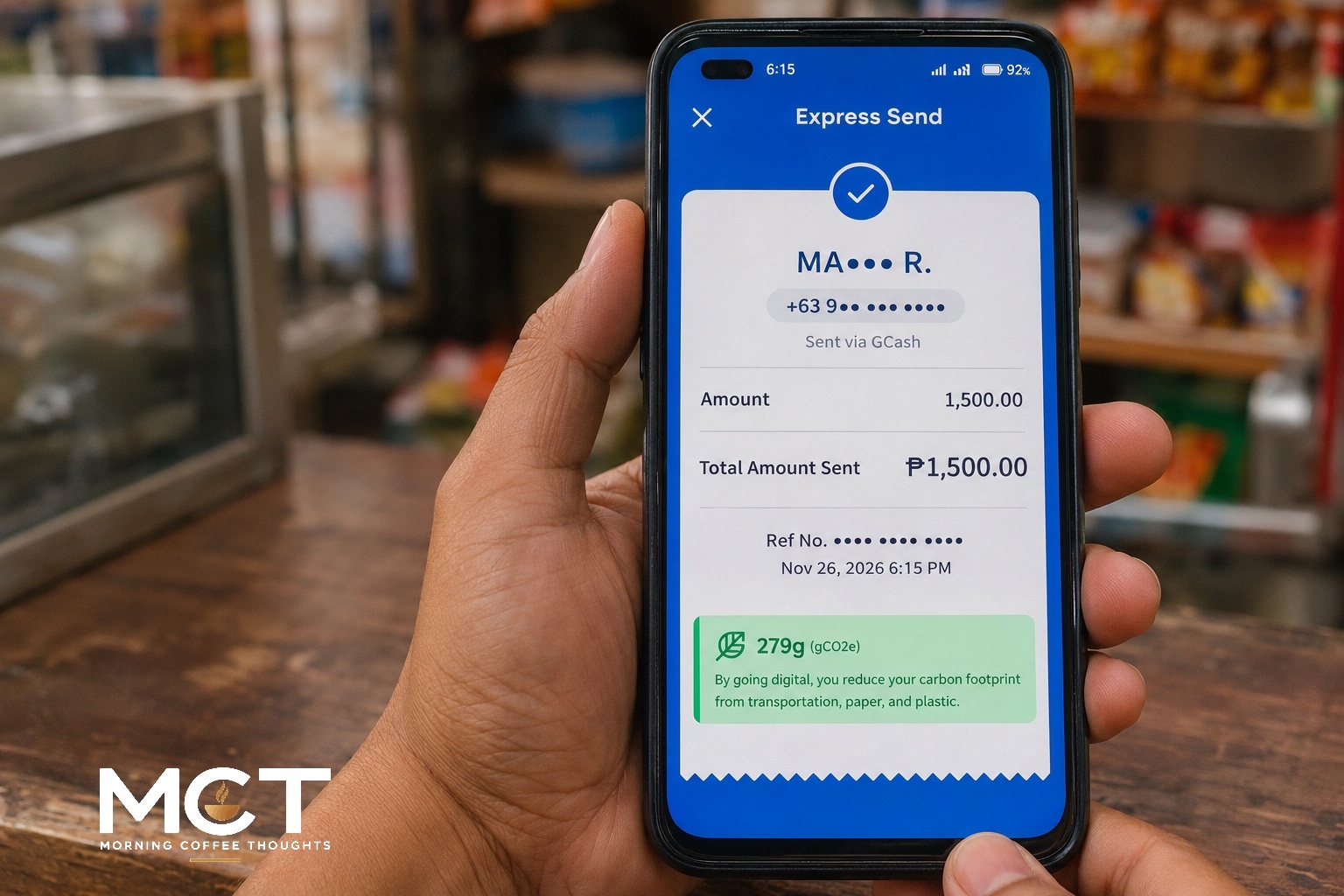
You meant to pay someone, but one wrong digit sent the money to another wallet. Before sending again, open Transactions in the GCash app and check the receipt for that transfer. What you do next depends on whether the number belongs to someone who uses GCash.
1
CHECK THE RECEIPT BEFORE SENDING AGAIN
Open Transactions in the GCash app. Find the payment and save the reference number, amount, date and recipient number. Check whether it went through and compare the number with the one the person gave you.
Express Send transfers go through in real time. If you send the intended payment again, treat that as a second transfer. It won’t cancel the first one.
2
IF THE WRONG NUMBER IS ACTIVE, ASK THE RECIPIENT TO RETURN IT
GCash tells senders to contact the recipient and ask for the money back. Keep the message simple: give the amount and when you sent it, and ask them to check their own app. A completed Express Send transfer to an active account is not something GCash says it can reverse for you.
Don’t send an extra fee or give out your one-time password or MPIN. If you talk to the recipient, keep the exchange private and save the messages.
3
IF THE NUMBER IS OLD OR INACTIVE, REPORT IT IN THE APP
In Transactions, open the specific Send Money payment, tap Get help, and choose the option for money sent to the wrong number. GCash asks customers to report disputes within 15 days of the transfer and says to expect an update in one to three business days.
That’s an estimate for an update, not for getting your money back. GCash checks whether it can reverse the transfer; a refund isn’t guaranteed.
4
SAVE THE SUPPORT REQUEST NUMBER FOR FOLLOW-UP
When you report the problem to GCash, save the support request number, which GCash calls a ticket number. It identifies your complaint and is different from the transaction reference number on your transfer receipt. You can check your request in the app under Profile → Help → My Support Tickets. Keep the receipt and GCash’s replies too. If you’ve already raised the issue with GCash and it hasn’t been resolved, you can ask the Bangko Sentral ng Pilipinas to review how your complaint was handled through its Consumer Assistance Mechanism. The BSP website explains how to use its chatbot or other complaint channels.
Include what you asked GCash to do and what it told you. Escalating a complaint does not guarantee a refund.
5
CHECK THE NUMBER BEFORE YOU HIT SEND
If someone sends you their number in a message, copy it and compare every digit before confirming. For a new recipient, call them using a number you already know if a message says their payment details have changed.
A typo and a scam are different problems. If someone tricked you into sending the money, tell GCash that when you file the report so it can handle it as suspected fraud.
BOTTOM LINE
Save the receipt first. For an active wrong number, ask the recipient to return the money. For an old or inactive number, file a request through the transaction in the GCash app.
SOURCES
- GCash Help Center: Sent money to wrong number https://help.gcash.com/hc/en-us/articles/30244972048409-Sent-money-to-wrong-number
- GCash Help Center: How to submit a ticket https://help.gcash.com/hc/en-us/articles/28161617605145-How-to-get-help-or-submit-a-ticket-in-GCash
- GCash Help Center: How to protect your GCash account https://help.gcash.com/hc/en-us/articles/19578518834457-How-can-I-protect-my-GCash-account
- Bangko Sentral ng Pilipinas: Consumer Assistance Mechanism https://www.bsp.gov.ph/Pages/InclusiveFinance/ConsumerAssistanceManagement.aspx
GOOGLE PREFERRED SOURCES
FOLLOW MCT ON GOOGLE
Google’s Preferred Sources feature lets you choose publications you want Google to prioritize for you. Select “Add to Preferred Sources” to make MCT easier to find in Top Stories and other eligible Google results. This does not subscribe you to email.